 Easy Photo Player
Your Google Photos on the big screen
Turn your TV into a beautiful photo frame. Easy Photo Player connects to your Google Photos library and lets you enjoy your memories on your television.
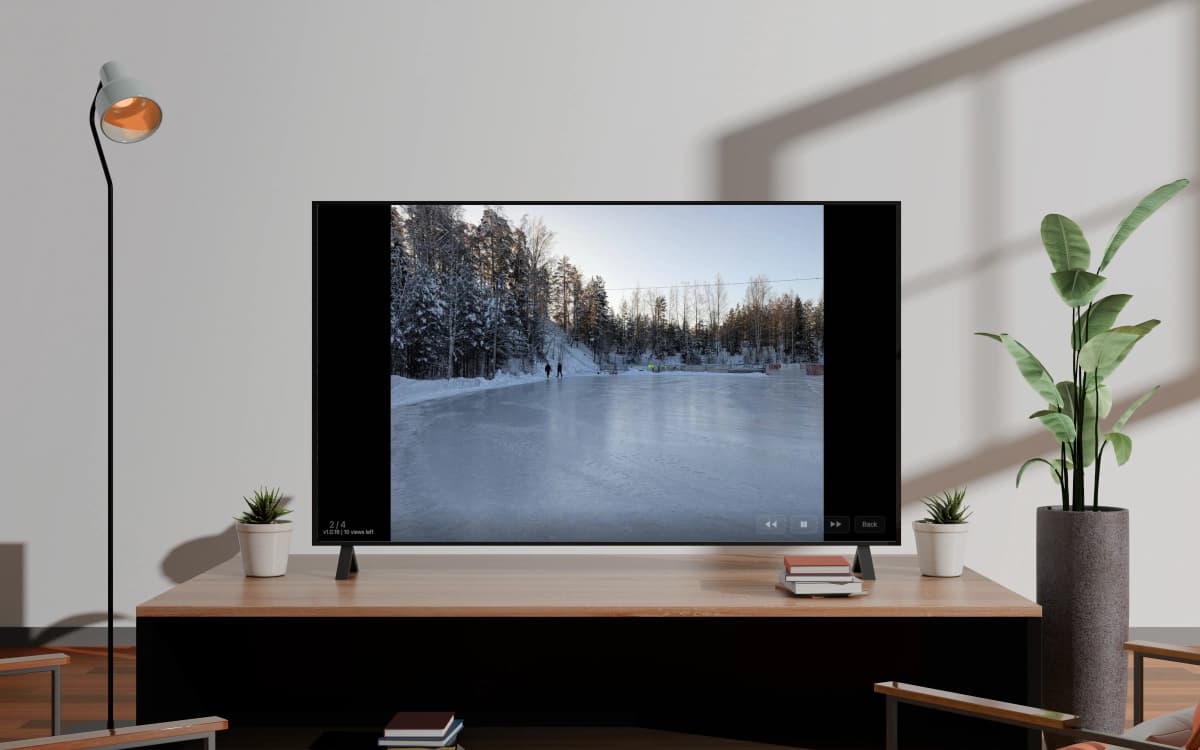

How it works
Install on your TV
Download Easy Photo Player from your TV's app store.
Link with a code
Enter the code shown on your TV screen to connect it to your account.
Select your photos
Choose photos and videos from your Google Photos library to display.
Built for the way you remember
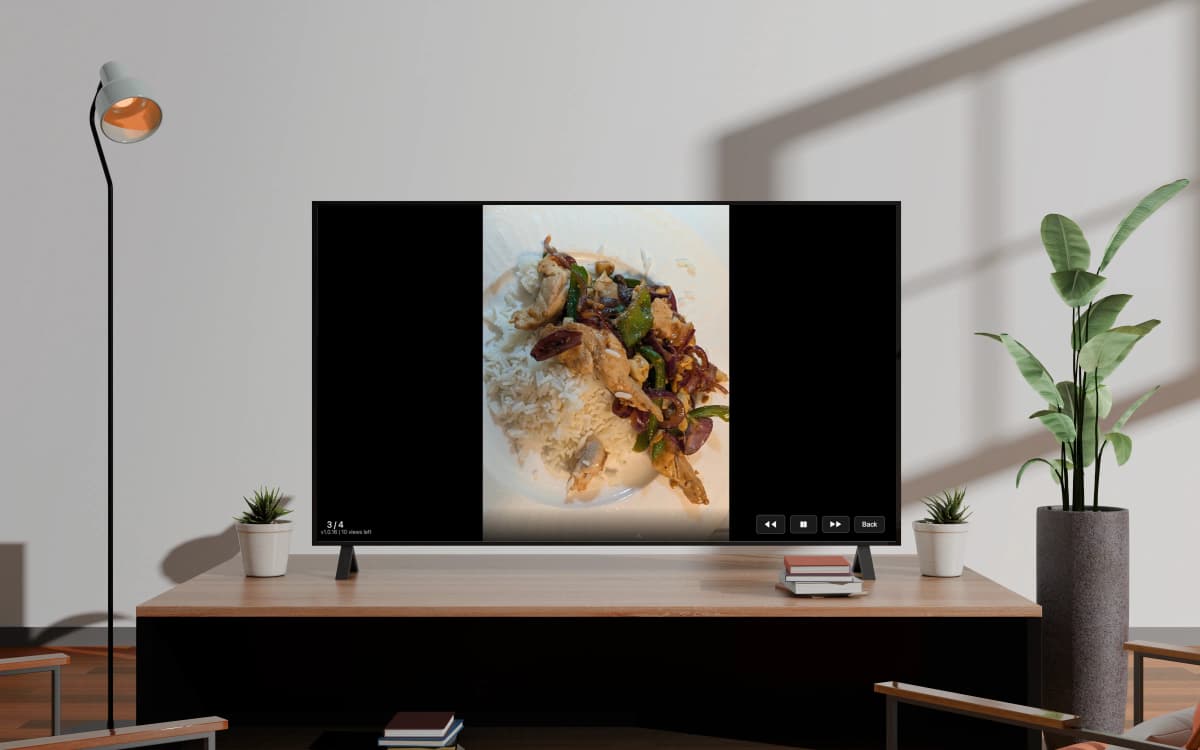
Your photos, beautifully displayed
Easy Photo Player streams your Google Photos library straight to your TV — at full resolution, with smooth transitions, on any modern Smart TV. No uploading, no extra hardware, no cables.
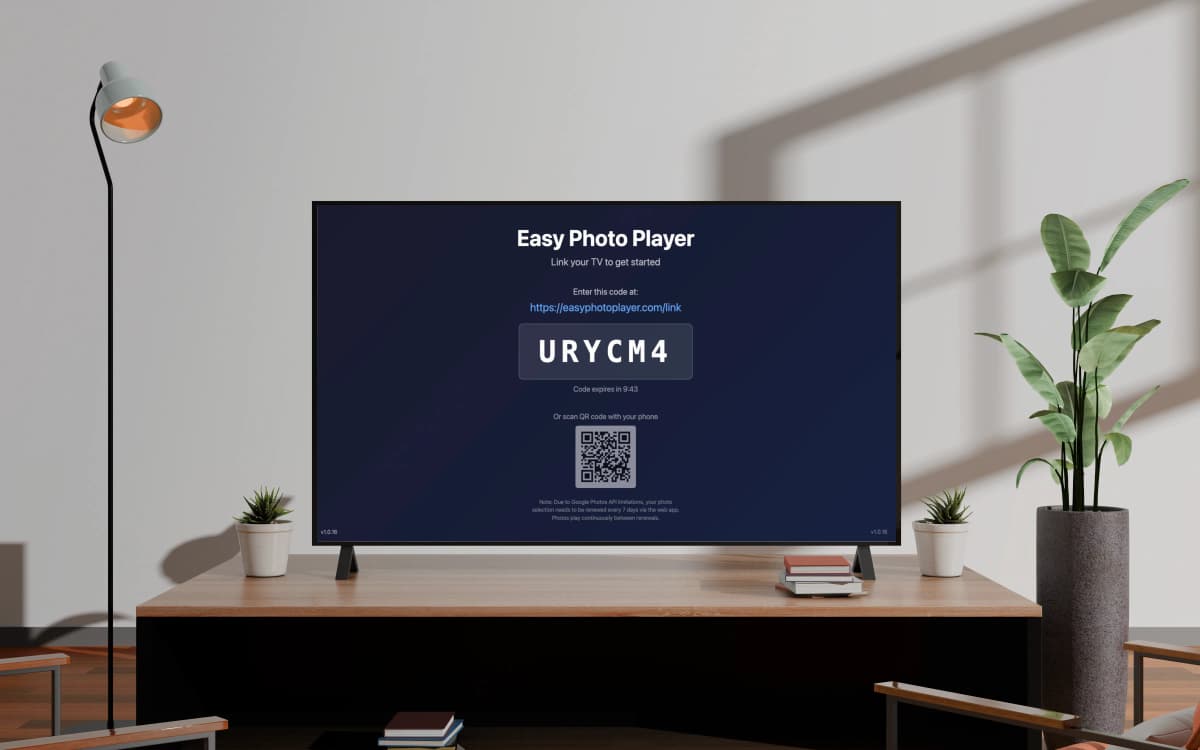
Set up in under five minutes
Open the app on your TV, enter the six-character code on easyphotoplayer.com/link, and pick the photos you want to display. That's it. The TV starts playing immediately.
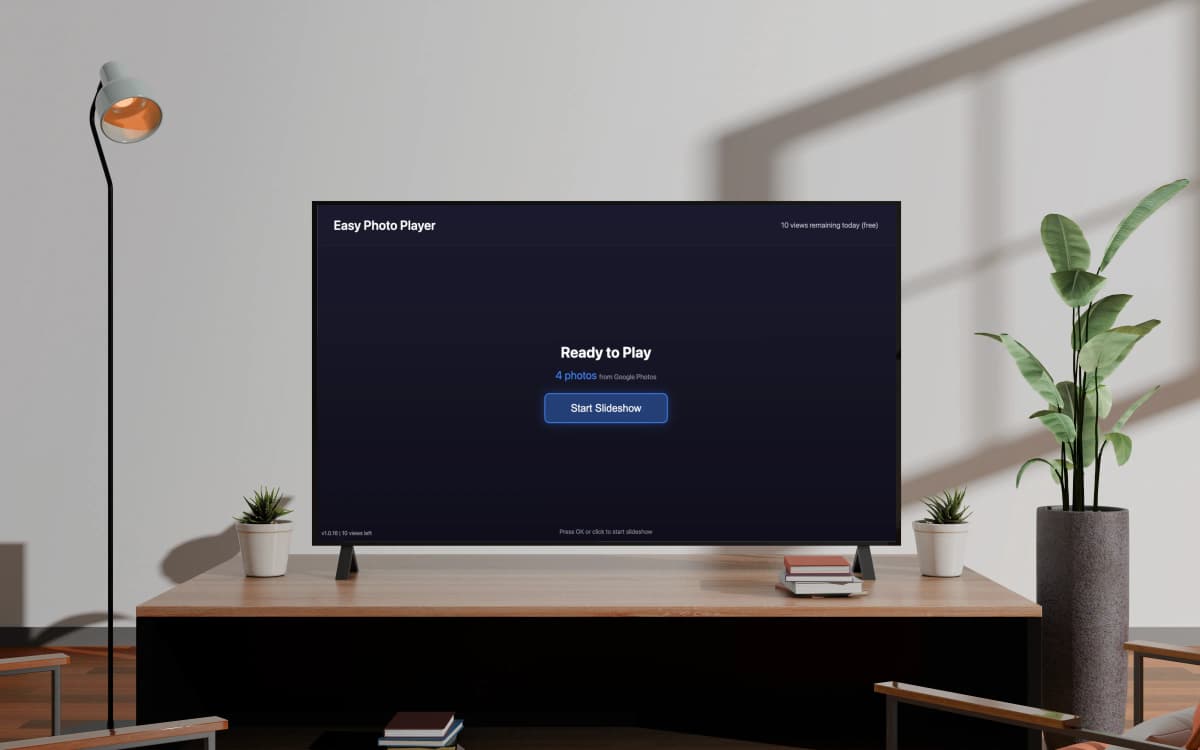
Plays continuously, even unattended
Photo URLs from Google Photos expire every 60 minutes. Easy Photo Player refreshes them automatically in the background, so the slideshow keeps running for days without intervention.
Why Easy Photo Player
Built privacy-first with the official Google Photos Picker API. We never store your photos — only temporary, auto-expiring URLs. Your library stays where it belongs: in your Google account.
Privacy by design
We only see the photos you explicitly pick. Your full library is never exposed.
Works on every major Smart TV
Samsung Tizen 2018+, LG webOS 4+, Android TV, Nvidia Shield. One subscription, multiple TVs.
Truly hands-off
Auto-refresh keeps photos playing without manual intervention. Set it up once, enjoy for weeks.
Free to start
No credit card needed. 10 views per day on the free plan, upgrade only when you want more.
Playback you control
Set the slideshow speed, jump straight to any photo with your remote, and see how long each video runs.
Plans
Setup guides
Choose your TV platform and get started in five minutes.
Google Photos on Samsung TV
Step-by-step setup for Tizen 2018+ TVs. Five minutes from app store to slideshow.
Google Photos on LG webOS TV
Setup guide for webOS 4+ TVs. Available now in the LG Content Store.
Google Photos on Android TV
Available on Google Play worldwide. Works on Sony, Hisense, TCL, Nvidia Shield.
Frequently Asked Questions
Is Easy Photo Player free?
Yes — the free plan gives you 10 photo views per day on 1 TV. Paid plans raise the daily quota: Basic (€4.99/month) is 500 views/day, Pro (€9.99/month) is 1000 views/day and up to 5 TVs.
Which TVs are supported?
Samsung Smart TV (Tizen 2018 or newer), LG Smart TV (webOS 4 or newer), and Android TV (Sony, Hisense, TCL, Nvidia Shield, Chromecast with Google TV, and others). The Samsung version is currently US-only; the LG version is available in the LG Content Store; Android TV is available globally on Google Play.
Will my Google Photos library be uploaded somewhere?
No. Easy Photo Player uses the official Google Photos Picker API to stream your photos directly from Google Photos. We never download, copy, or store your photos. Your photos remain in your Google account.
Why does Google Photos need to be re-selected every 7 days?
The Google Photos Picker API has a 7-day session limit set by Google for privacy reasons. We refresh photo URLs every 50 minutes in the background, but every 7 days you need to re-select photos on the web app — it takes 30 seconds.
Can I use Easy Photo Player on multiple TVs?
Yes — the Pro plan (€9.99/month) supports up to 5 linked TVs on one Google account. Useful for setting up living room, bedroom, and kitchen TVs as a coordinated photo display.
How do I cancel my subscription?
You can cancel anytime from the Billing page. Your plan stays active until the end of the current billing period — there is no early-cancellation fee.
What happens if Google Photos is down or I disconnect Google?
If Google Photos is temporarily unavailable, the TV shows the last cached photos until URLs refresh. If you disconnect your Google account, the TV shows a re-link prompt and you can reconnect any time.
Are my photos safe — can anyone see them?
Only you and the TV linked to your account see your photos. We use HTTPS for all transfers, encrypt all stored data, and never share Google data with third parties or use it for advertising.
Can I change how fast the slideshow plays?
Yes. Open Settings on the TV and choose your slideshow speed — 3, 5, 10, 15, or 30 seconds per photo. The default is 5 seconds.
Can I jump to a specific photo?
Yes. Type a photo's number on your remote (for example 199) and Easy Photo Player jumps straight to it — handy for large libraries. Videos also show their total length while playing.
From the blog
Helpful guides and explainers from the Easy Photo Player team.
How to Display Google Photos on Samsung TV
Turn your Samsung Smart TV into a digital photo frame with your Google Photos library. Free to start, no extra hardware.
Read more →Best Digital Photo Frame App for Smart TV in 2026
Smart TVs make better photo frames than dedicated digital frames — bigger, sharper, already in the room. Here's a comparison of the best apps.
Read more →Why Does Google Photos Disconnect Every 7 Days?
The 7-day refresh in Easy Photo Player is not a bug — it is a Google Photos API limit. Here is what is happening and why.
Read more →Note about Google Photos: Due to Google Photos API limitations, your photo selection needs to be renewed every 7 days through the web app. We automatically keep your photos playing between renewals.