
Strona główna › Przewodniki
Jak wyświetlić Google Zdjęcia na LG webOS TV
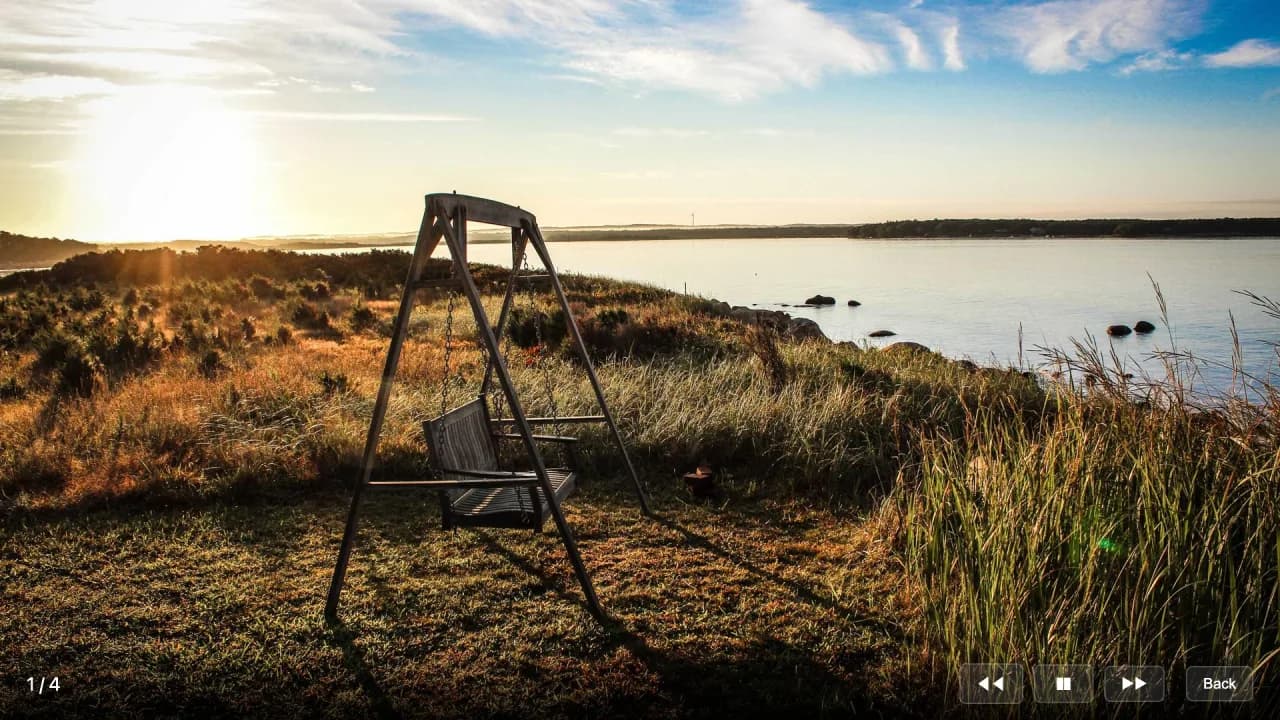
Easy Photo Player wyświetla Twoją bibliotekę Google Zdjęć na dowolnym LG Smart TV z systemem webOS. Konfiguracja zajmuje kilka minut i korzysta z Twojego istniejącego konta Google.
Czego potrzebujesz
- LG Smart TV z webOS 4.0 lub nowszym (2018+)
- Połączenie telewizora z internetem
- Konto Google ze zdjęciami w Google Zdjęciach
- Pilot LG Magic Remote lub standardowy pilot
Krok po kroku
Otwórz LG Content Store
Naciśnij przycisk Home i wybierz LG Content Store. Wyszukaj "Easy Photo Player".
Zainstaluj aplikację
Wybierz Easy Photo Player i wybierz Zainstaluj. Pobieranie trwa około 15 sekund.
Otwórz aplikację i zanotuj kod
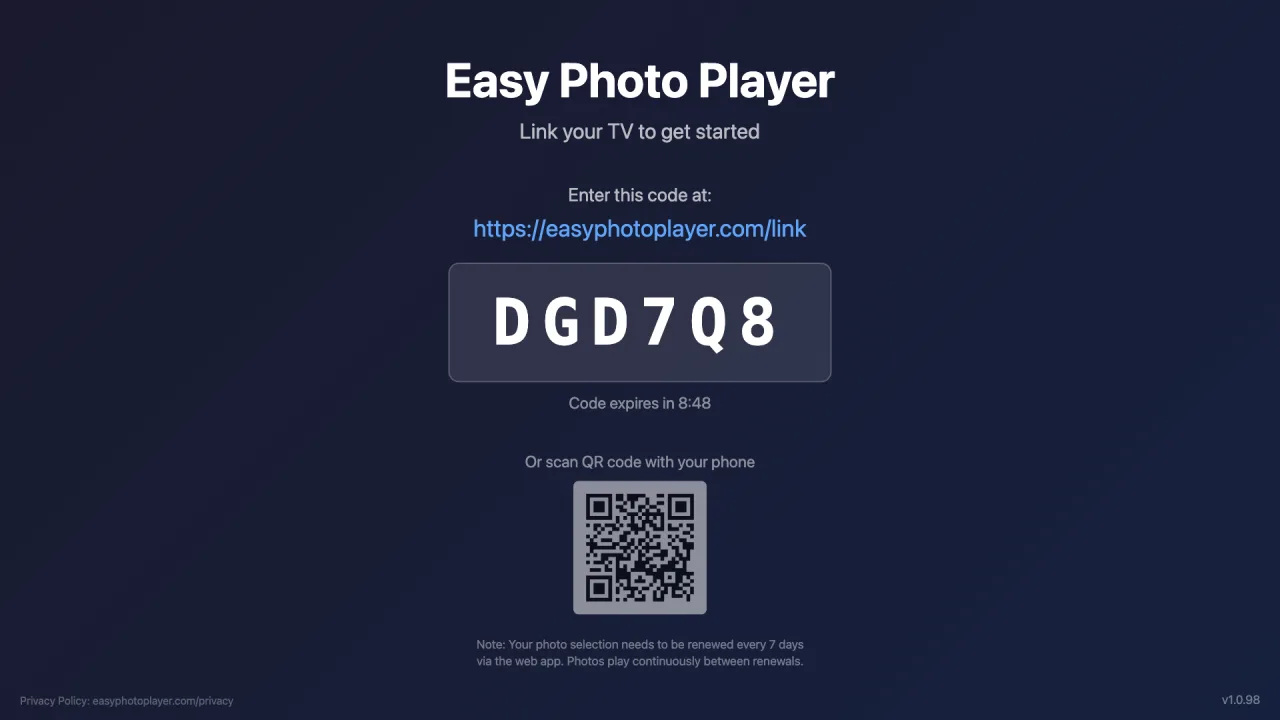
Uruchom Easy Photo Player z ekranu głównego. Pojawi się sześcioznakowy kod łączenia.
Połącz swoje konto Google
Na telefonie lub komputerze wejdź na easyphotoplayer.com/link, zaloguj się przez Google i wpisz kod z telewizora.
Wybierz zdjęcia
Wybierz zdjęcia i filmy do wyświetlenia. Natychmiast zaczną się odtwarzać na Twoim LG TV.
Sterowanie odtwarzaniem
Regulowana szybkość pokazu slajdów
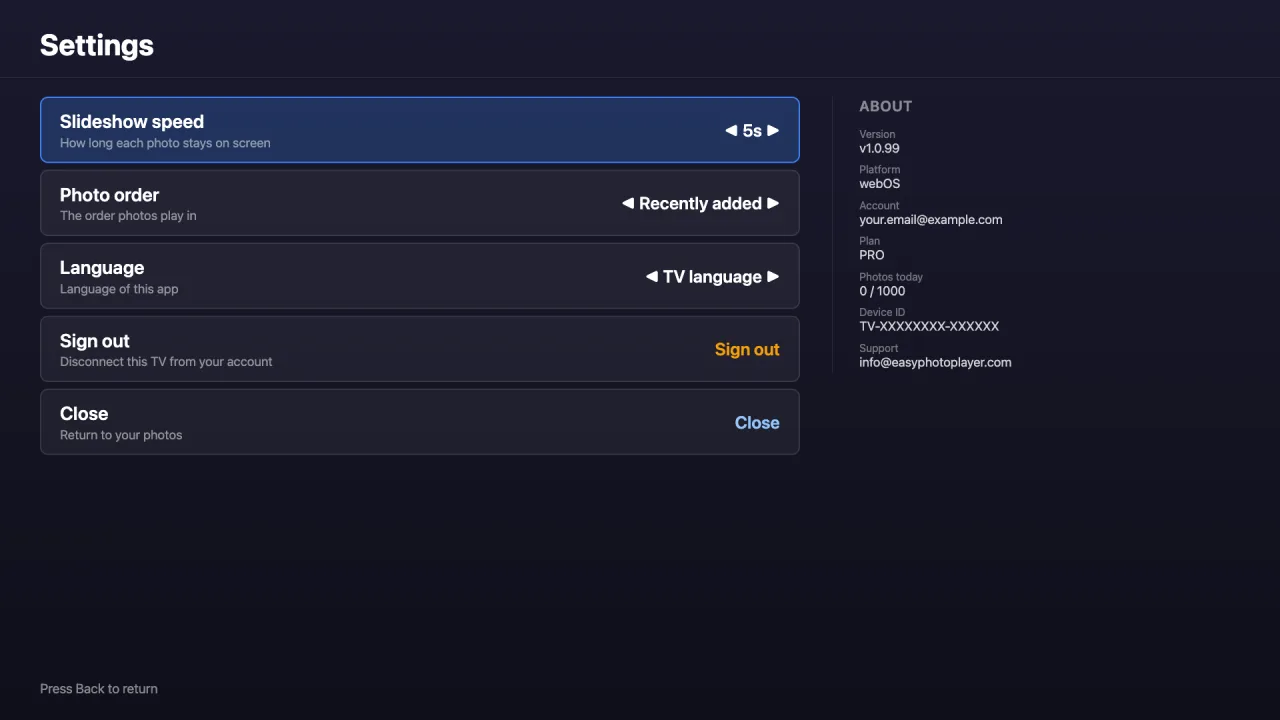
Wybierz, jak długo każde zdjęcie pozostaje na ekranie — 3, 5, 10, 15 lub 30 sekund — na ekranie Ustawień.
Przejdź do dowolnego zdjęcia
Wpisz numer zdjęcia na pilocie, aby przeskoczyć prosto do niego — nawet w dużej bibliotece.
Wyświetlana długość filmu
Podczas odtwarzania filmy pokazują swój całkowity czas trwania, więc zawsze wiesz, jak długi jest każdy klip.
Zgodne telewizory
Easy Photo Player obsługuje następujące modele LG:
- webOS 4.0 i nowsze (modele z 2018 roku i późniejsze)
- Wszystkie rozdzielczości: HD, Full HD, 4K, 8K, OLED
- Dostępna w LG Content Store
- Obsługiwane wersje: od webOS 4.0 do webOS 26
Rozwiązywanie problemów
Nie możesz znaleźć aplikacji w Content Store: Sprawdź, czy telewizor ma system webOS 4.0 lub nowszy: Ustawienia → Wszystkie ustawienia → Ogólne → Informacje o tym telewizorze. Modele z lat 2014–2017 nie są obsługiwane i nie zobaczą aplikacji. Jeśli wyszukiwanie nic nie znajduje, wpisz samo „Easy Photo” — niektóre piloty gubią znaki przy szybkim pisaniu.
Kod się nie pojawia: Zamknij i ponownie otwórz aplikację. Upewnij się, że telewizor ma internet — sprawdź, otwierając inną aplikację internetową.
Pokaz slajdów się nie uruchamia: Upewnij się, że wybrałeś zdjęcia na easyphotoplayer.com/photos. Telewizor wyświetla ekran oczekiwania, dopóki zdjęcia nie zostaną połączone.
Najczęściej zadawane pytania
Czy wersja Easy Photo Player dla LG jest już dostępna?
Tak. Easy Photo Player jest w LG Content Store dla telewizorów z systemem webOS 4.0 lub nowszym. Otwórz Content Store z ekranu głównego telewizora i wyszukaj Easy Photo Player.
Czy zadziała na moim starszym LG TV?
Easy Photo Player wymaga webOS 4.0 lub nowszego (2018+). Starsze telewizory LG (2014–2017) nie mogą uruchomić aplikacji, ponieważ ich silnik przeglądarki jest zbyt stary.
Czy obsługuje ekrany 4K i OLED?
Tak. Easy Photo Player automatycznie korzysta z najwyższej rozdzielczości dostępnej na Twoim telewizorze, w tym paneli 4K i OLED.