 Easy Photo Player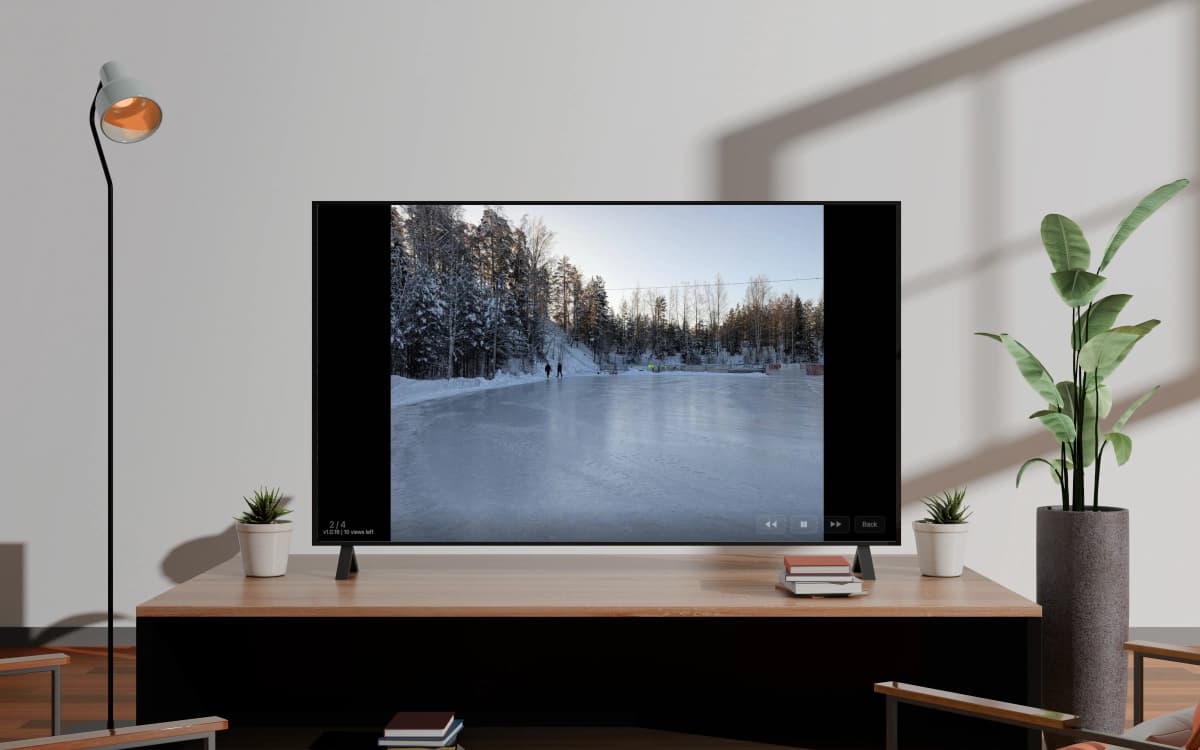

사용 방법
TV에 설치
TV의 앱스토어에서 Easy Photo Player를 다운로드하세요.
코드로 연결
TV 화면에 표시된 코드를 입력하여 계정과 연결하세요.
사진 선택
Google 포토 라이브러리에서 표시할 사진과 동영상을 선택하세요.
추억하는 방식에 맞춰 만들었습니다
사진을 사진답게
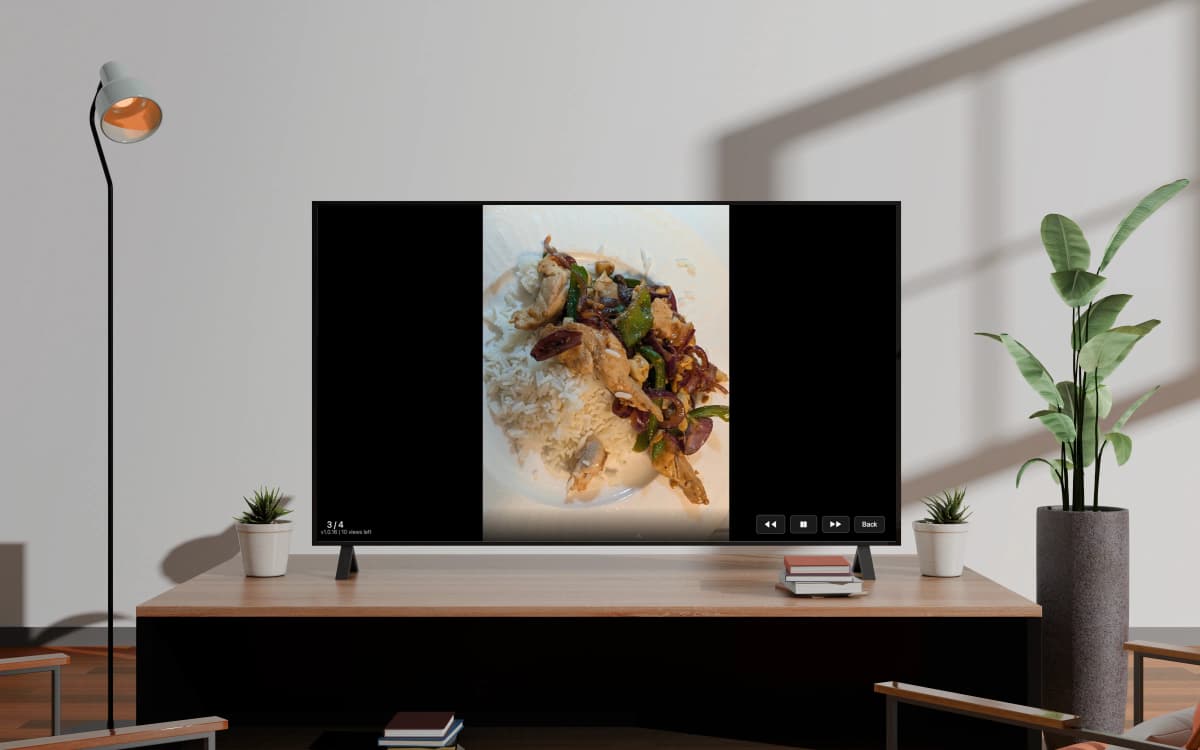
Easy Photo Player는 Google Photos 라이브러리를 TV로 바로 보여 줍니다. 원본 해상도, 부드러운 전환, 최신 스마트 TV라면 어디서나. 업로드도, 별도 기기도, 케이블도 필요 없습니다.
5분이면 준비 완료
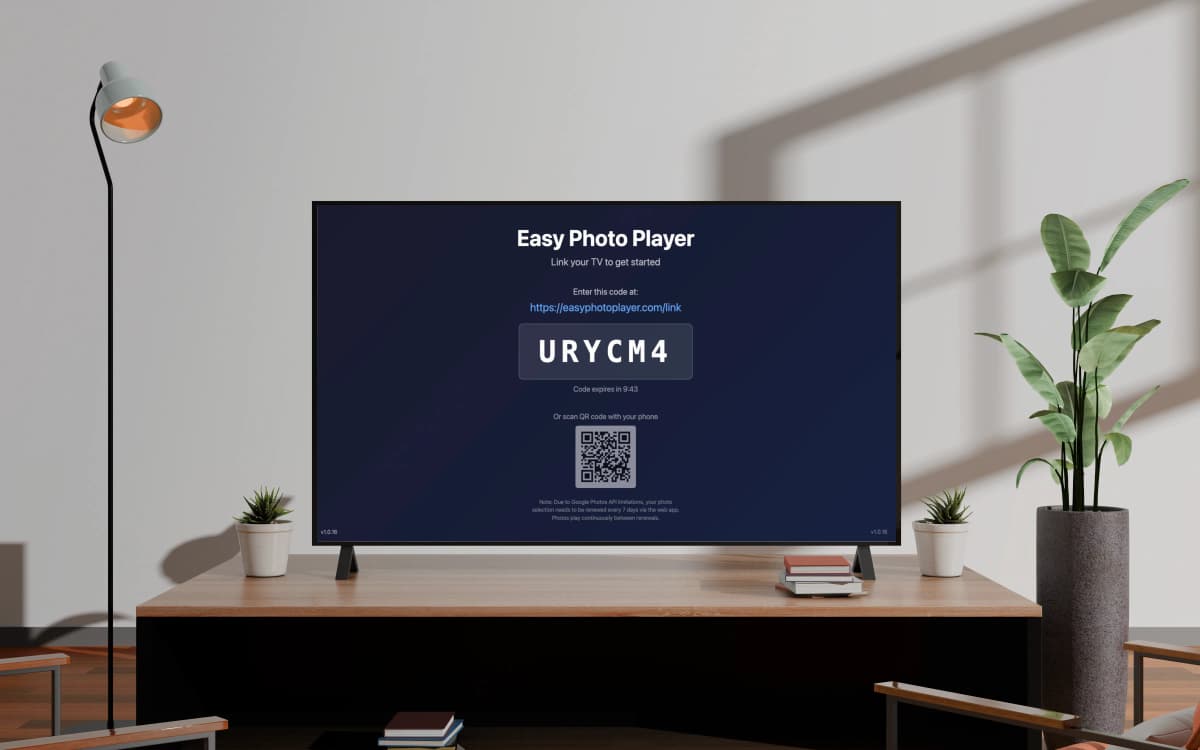
TV에서 앱을 열고 easyphotoplayer.com/link에 6자리 코드를 입력한 뒤 보여 줄 사진을 고르면 끝입니다. TV가 곧바로 재생을 시작합니다.
지켜보지 않아도 계속 재생
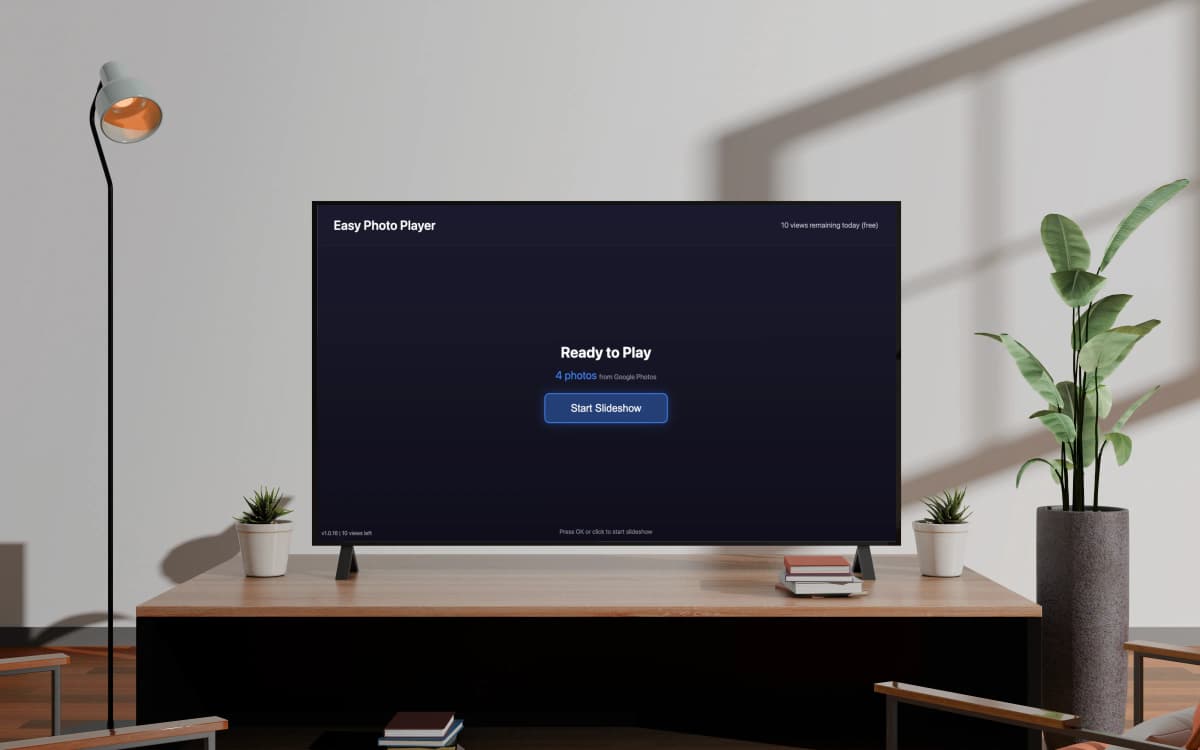
Google Photos의 사진 주소는 60분마다 만료됩니다. Easy Photo Player가 백그라운드에서 자동으로 갱신하므로 며칠이 지나도 손대지 않고 슬라이드쇼가 이어집니다.
왜 Easy Photo Player인가
공식 Google Photos Picker API를 사용해 개인정보 보호를 먼저 생각하며 만들었습니다. 사진은 절대 저장하지 않고, 스스로 만료되는 임시 주소만 사용합니다. 라이브러리는 있어야 할 곳, 즉 Google 계정에 그대로 남습니다.
설계부터 지키는 개인정보
직접 고르신 사진만 볼 수 있습니다. 라이브러리 전체가 노출되는 일은 없습니다.
주요 스마트 TV에서 모두 작동
삼성 Tizen 2018+, LG webOS 4+, Android TV, Nvidia Shield. 구독 하나로 여러 대의 TV에서.
정말 손이 가지 않습니다
자동 갱신 덕분에 따로 손대지 않아도 사진이 계속 재생됩니다. 한 번 설정하면 몇 주 동안 그대로입니다.
무료로 시작
신용카드가 필요 없습니다. 무료 요금제는 하루 10회이며, 더 필요할 때만 요금제를 올리면 됩니다.
재생은 직접 조절
슬라이드쇼 속도를 정하고, 리모컨으로 원하는 사진에 바로 이동하고, 각 동영상의 길이를 확인하세요.
자주 묻는 질문
Easy Photo Player는 무료인가요?
네. 무료 요금제는 TV 1대에서 하루 10회 사진을 볼 수 있습니다. 유료 요금제는 하루 한도를 늘려 줍니다. Basic(월 4.99 €)은 하루 500회, Pro(월 9.99 €)는 하루 1000회에 TV 최대 5대까지 지원합니다.
어떤 TV를 지원하나요?
삼성 스마트 TV(Tizen 2018 이상), LG 스마트 TV(webOS 4 이상), 안드로이드 TV(소니, 하이센스, TCL, 엔비디아 실드, 구글 TV가 탑재된 크롬캐스트 등)를 지원합니다. 삼성 버전은 현재 미국에서만 제공되며, LG 버전은 LG 콘텐츠 스토어에서 받으실 수 있습니다. 안드로이드 TV 버전은 구글 플레이에서 전 세계에 제공됩니다.
제 Google Photos 라이브러리가 어딘가에 업로드되나요?
아니요. Easy Photo Player는 공식 Google Photos Picker API를 사용해 사진을 Google Photos에서 바로 보여 줍니다. 내려받거나 복사하거나 저장하지 않습니다. 사진은 Google 계정에 그대로 남습니다.
왜 7일마다 사진을 다시 선택해야 하나요?
Google Photos Picker API에는 Google이 개인정보 보호를 이유로 정한 7일 세션 제한이 있습니다. 사진 주소는 백그라운드에서 50분마다 갱신하지만, 7일마다 웹 앱에서 사진을 다시 선택해야 합니다. 30초면 끝납니다.
여러 대의 TV에서 사용할 수 있나요?
네. Pro 요금제(월 9.99 €)는 하나의 Google 계정에 TV 최대 5대까지 연결할 수 있습니다. 거실과 침실, 주방에 같은 사진을 띄울 때 편리합니다.
구독은 어떻게 해지하나요?
결제 페이지에서 언제든지 해지할 수 있습니다. 요금제는 이미 결제한 기간이 끝날 때까지 유지되며, 중도 해지 수수료는 없습니다.
Google Photos에 장애가 있거나 계정 연결을 끊으면 어떻게 되나요?
Google Photos를 일시적으로 사용할 수 없으면 주소가 갱신될 때까지 마지막으로 불러온 사진이 표시됩니다. Google 계정 연결을 해제하면 TV에 다시 연결하라는 안내가 나오며, 원할 때 다시 연결할 수 있습니다.
제 사진은 안전한가요? 다른 사람이 볼 수 있나요?
사진은 본인과 계정에 연결된 TV만 볼 수 있습니다. 모든 전송에 HTTPS를 사용하고 저장된 데이터는 암호화하며, Google 데이터를 제3자와 공유하거나 광고에 사용하지 않습니다.
슬라이드쇼 속도를 바꿀 수 있나요?
네. TV에서 설정을 열고 사진당 3, 5, 10, 15, 30초 중에서 고르시면 됩니다. 기본값은 5초입니다.
특정 사진으로 바로 넘어갈 수 있나요?
네. 리모컨으로 사진 번호를 입력하면(예: 199) Easy Photo Player가 곧장 그 사진으로 이동합니다. 사진이 많을 때 특히 편리합니다. 동영상은 재생 중에 전체 길이도 함께 표시됩니다.
블로그에서
Easy Photo Player 팀이 쓴 유용한 가이드와 설명입니다.
Samsung TV에 Google 포토를 표시하는 방법
Samsung 스마트 TV를 Google 포토 라이브러리가 있는 디지털 액자로 바꾸세요. 시작은 무료, 추가 하드웨어 없이.
더 읽기 →2026년 스마트 TV용 최고의 디지털 액자 앱
스마트 TV는 전용 디지털 액자보다 더 나은 액자입니다 — 더 크고, 더 선명하며, 이미 방에 있습니다. 최고의 앱 비교입니다.
더 읽기 →Google 포토는 왜 7일마다 연결이 끊어지는가?
Easy Photo Player의 7일 새로 고침은 버그가 아닙니다 — Google 포토 API 제한입니다. 어떤 일이 일어나는지와 그 이유.
더 읽기 →Google 포토 안내: Google 포토 API 제한으로 인해 사진 선택은 웹 앱을 통해 7일마다 갱신해야 합니다. 갱신 사이에는 자동으로 사진 재생이 유지됩니다.